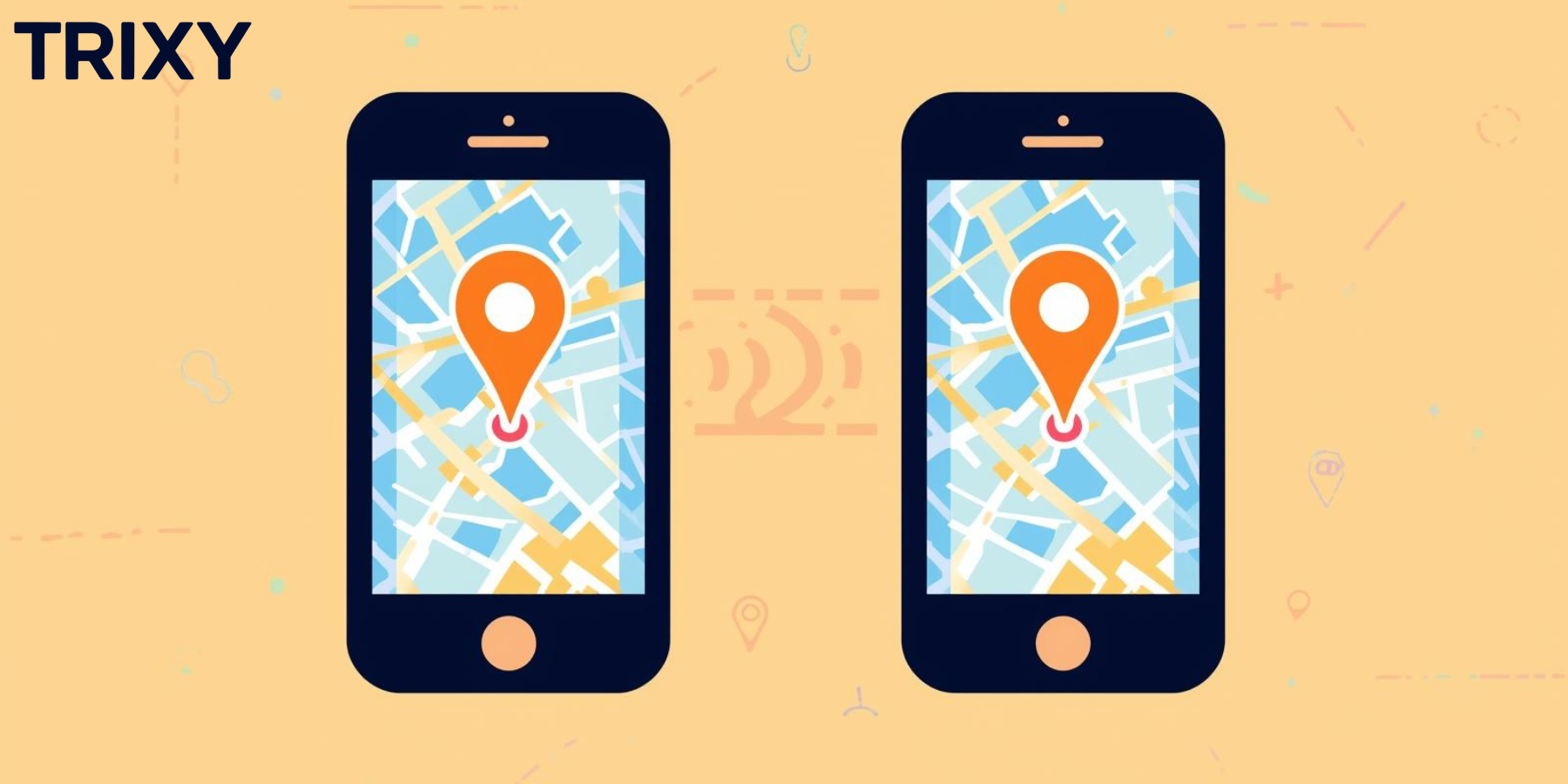
Your Child's First Smartphone: A Safety Checklist
December 10, 2025•8 min read

Giving your child their first phone is a big step. Here's everything you need to set up before handing it over.
Essential Safety Apps
- Trixy360 Family Tracker: For location sharing and check-ins
- Parental controls: Use your phone's built-in features
- Find My Phone: In case the phone is lost or stolen
Location Sharing Setup
- Install the Trixy360 app
- Create an account for your child or add them to your family circle
- Enable location sharing with family members
- Set up geofences for home, school, and other key locations
- Test the SOS feature together
The Rules Conversation
- When can they use the phone?
- What apps are okay to use?
- What should they never share online?
- What are the consequences for breaking the rules?
T
Trixy360 Team
Family Safety Experts
Share:
Ready to try Trixy360?
Download the Family Tracker app free, or get started with an Asset Tracker for just $84.95.