Introducing Smart Geofence Alerts
January 10, 2026•3 min read
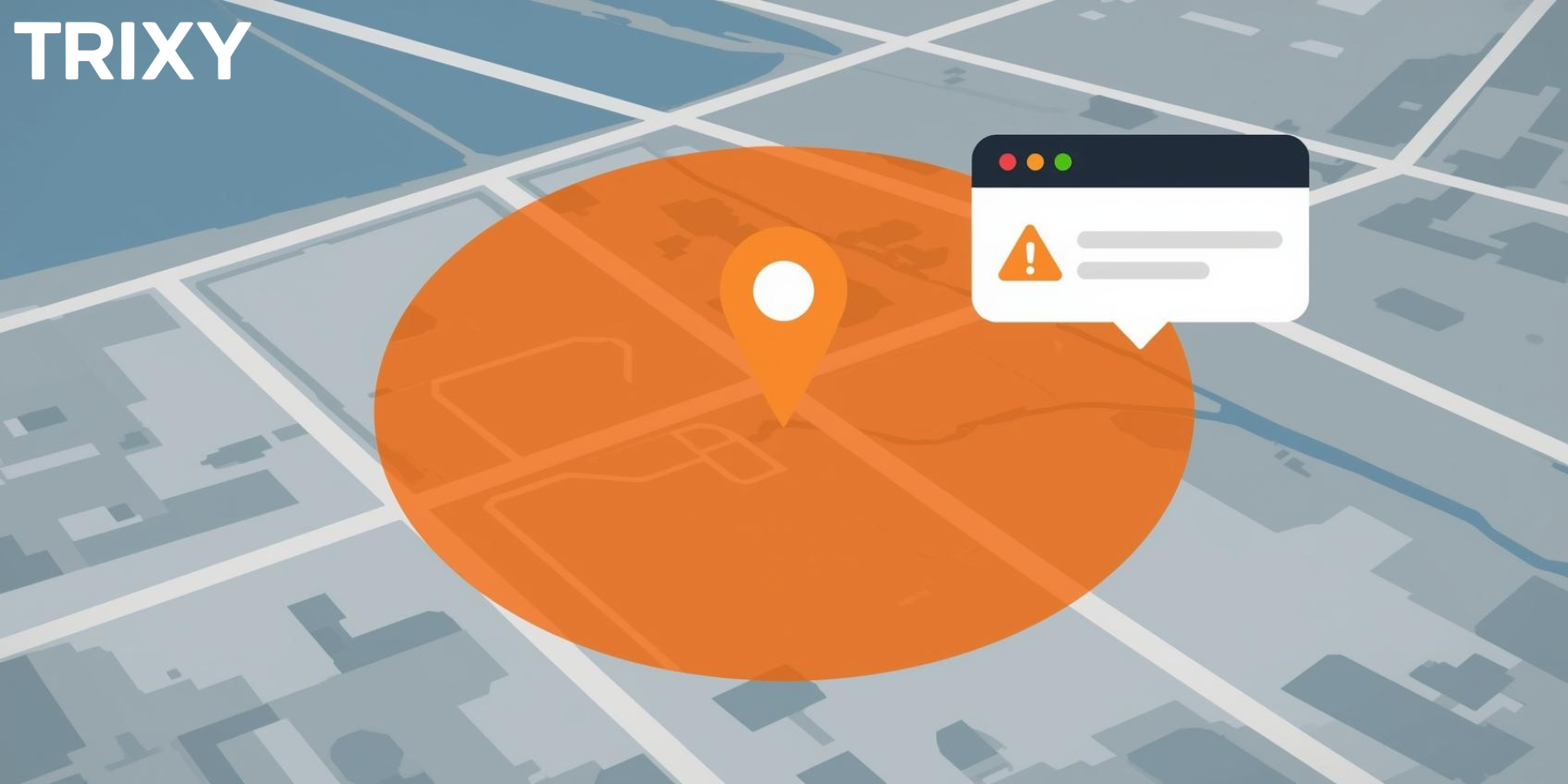
We're excited to announce Smart Geofence Alerts, our most requested feature! Now you can create virtual boundaries around any location and get instant notifications when family members arrive or leave.
What Are Geofences?
A geofence is a virtual boundary you draw around a real-world location. When someone in your family circle enters or exits that area, you get an automatic notification. No check-ins required—it just works.
How Parents Are Using Geofences
- School zone: Know when your child arrives at school and when they leave
- Home sweet home: Get notified when kids get home from activities
- Grandparents' house: Confirm safe arrival for visits
- Work location: Let family know you've arrived safely
Setting Up Your First Geofence
- Open the Trixy360 app and tap the map
- Long-press on any location or search for an address
- Tap "Create Geofence" and adjust the radius
- Name your geofence and choose who should trigger alerts
- Select whether you want arrival alerts, departure alerts, or both
Privacy First
As always, everyone in your family circle can see which geofences apply to them. There are no hidden boundaries—transparency builds trust.
T
Trixy360 Team
Family Safety Experts
Share:
Ready to try Trixy360?
Download the Family Tracker app free, or get started with an Asset Tracker for just $84.95.